✓ $800,000+ worth of products unlockable for free!
|
✓ Unlock Products Tools & Addons for Free. ✓ $800,000+ worth of products unlockable for free! |
|
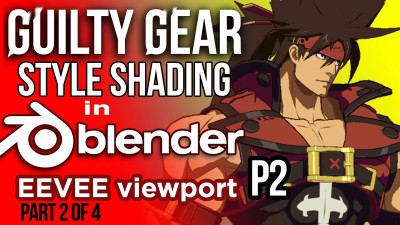
Guilty Gear Stylized Shader in Blender's EEVEE (Part 2 of 4) 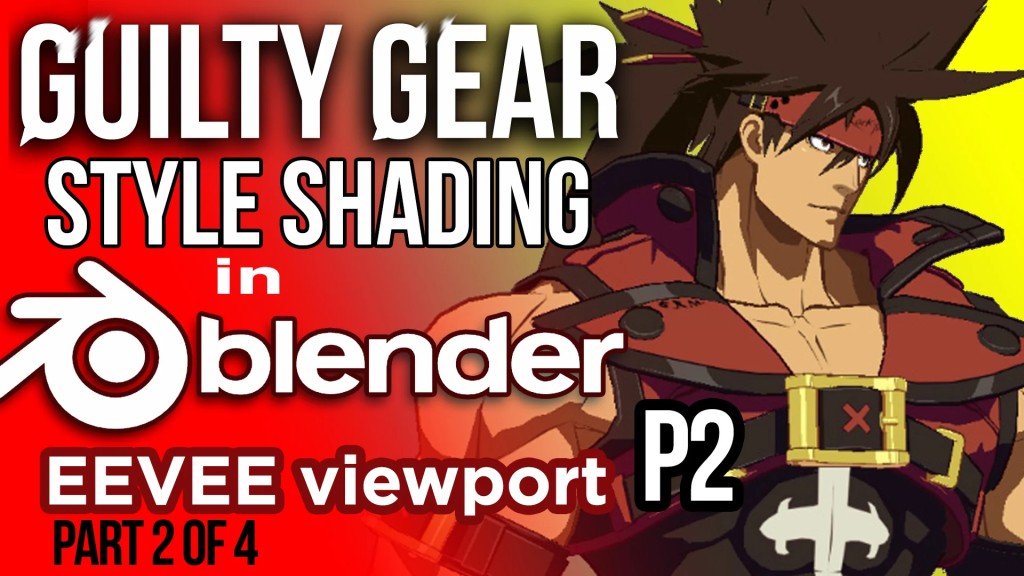
Guilty Gear Stylized Shader in Blender's EEVEE (Part 2 of 4)
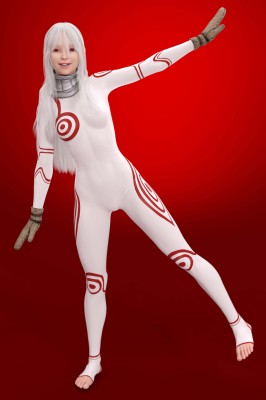
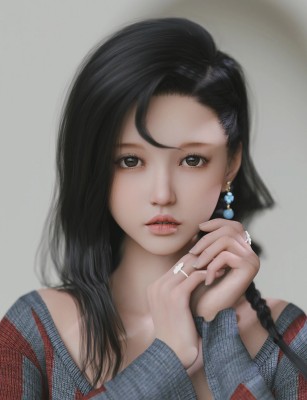
Blender's EEVEE viewport can help you decide the look of your next toon shaded project. We will review the GuiltyGear shading covering all you need to know to recreate the look in realtime. I will guide you from the Softimage techniques in which the original game was created, all the way into adopting those techniques with Blender. In part 2 we will present more concepts so you can expand the shader to your custom project*. Requested from part 1: We will briefly walk over some settings in Unreal Engine. Read the license agreement and you can use her for all your personal, commercial, applications or movie projects freely. ---------------------------------------- Subtitles for: English, Japanese, Spanish, Italian, Portuguese, German and French for main video (1h). ---------------------------------------- There are timelapse videos with no audio. 2x speed. I will expand more on Part 3 of the series about those videos. I've added additional content in the PICTURES folder for you to explore when you buy this video (PART 2 of 4) training series. Thank you for your support. ******* TOPICS COVERED ******* 0:01 - Recap from part 1 video. 0:40 - Self Shadows question 2:52 - Rules for Stylized shading 3:47 - FIXY model to practice with the shader 4:10 - Terms and Definitions 4:10 - Quick overview of the Guilty Gear Shader in Unreal 3 4:42 - Basis for initial setup and threshold shading project 23:58 - Method for layering materials and shaders 25:58 - Blender and Unreal Engine overview for GGXrd shader. 25:25 - Why do I need channels in my shaders for? 28:25 - Color Grading in Blender for fine tunning the GGXrd look. 29:52 - Correct interpretation of the ILM texture in Photoshop and Blender 31:59 - Compositing the Guilty Gear shader in Blender 38:01 - Post effects (Bloom) in Blender like in Unreal 39:38 - Continue with the Guilty Gear shader in Blender 41:48 - Tools to edit NORMALS in Blender 01:00:38 - Conclusions and applications. You can see the promo version here: https://youtu.be/UHGoy6A_DmY There are additional topics in additional videos in this training. ******************************* If you have any questions, please make them in the comment section of the video on Youtube or in the community tab of my YouTube Channel.

📁 Resources 🔖 [REPACK], blender, Eevee, guilty gear, shader, stylized, ZIP, Utilities, Resources |
|