✓ $800,000+ worth of products unlockable for free!
|
✓ Unlock Products Tools & Addons for Free. ✓ $800,000+ worth of products unlockable for free! |
|
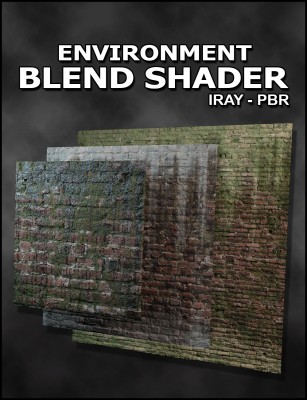
Environment Blend Shader 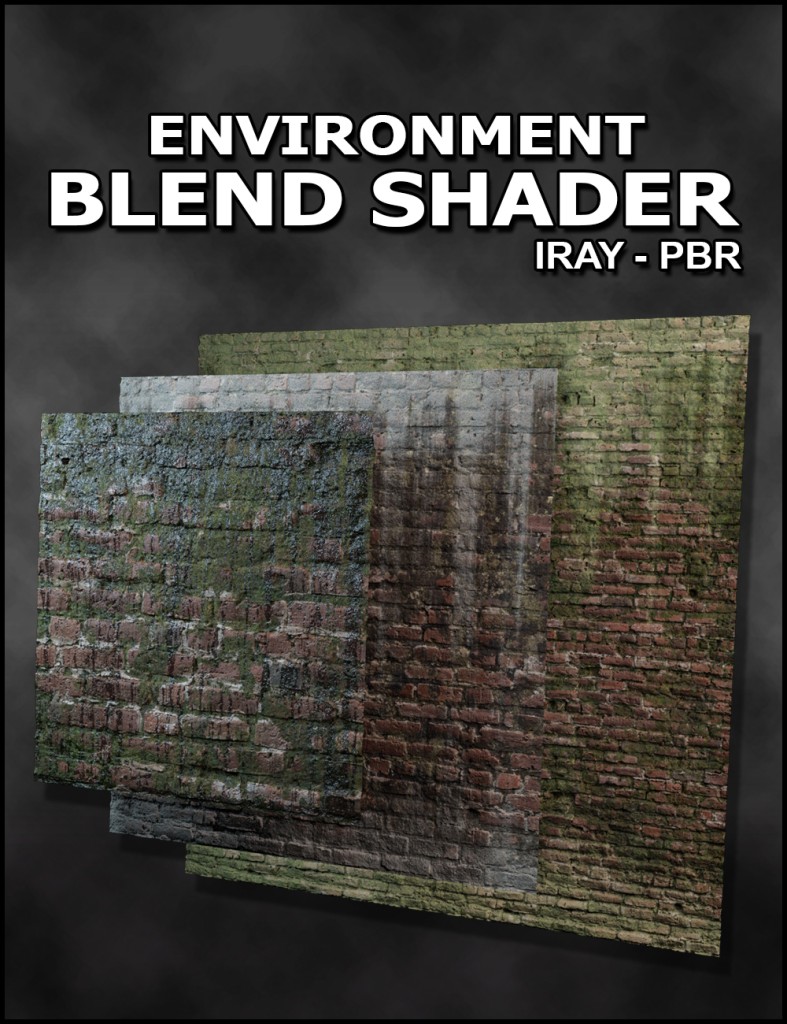
Environment Blend Shader
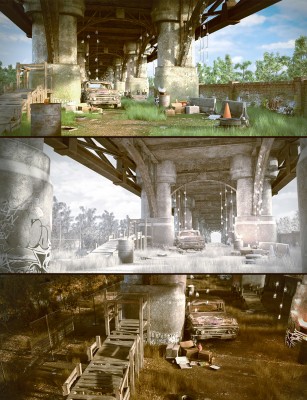
Details PBR Roughness/Metalness Workflow 2 Layer Blend with Full Texture Map Support - Albedo Map - Roughness Map - Metallicity Map - Normal Map - Opacity Map - Emissive Map - Displacement Map Independent UV control for every layer. - Tiling - Translation/Offset - Rotation 2 Mask Blending for maximum flexibility. - Mask 1 allows you to specify areas of localized detailed such as the cracks or exposed surfaces you want to blend to. - Mask 2 allows you to specify a larger pattern with independent UV controls. - The combination of both masks gives you a unique fully controlled blend Additional Discoloration Layer - Allows you to add directional grime without having to bake it into your texture. - Use the discoloration to further break up any repetition in your textures and add detail such as dripping water, paint or grunge. - Separate UV control allows you to adjust the discoloration independent of your textures. Shader Usage - When creating your own scenes, use these shaders to create unique variation without creating multiple versions of a texture. - Tile small textures across large scenes by blending textures together to avoid repetition. - Change the look of products you own by adding additional layers without affecting the original textures. - Mix textures from multiple products together non-destructively. Detailed User Guide - Detailed descriptions and guidelines for how to use the shader and the pbr workflow. 3 shaders are included. - 2 Layer Blend Shader + Discoloration - 1 Layer Blend Shader + Discoloration - For when you only need 1 set of textures but want to add some discoloration. - Simplified Shader - Simple PBR shader without extra features for when you just need 1 set of textures.

📁 Resources 🔖 Blending, DAZ Studio 4.12, Dim, Iray, pbr, shader, 54769, Utilities, Resources |
|