✓ $800,000+ worth of products unlockable for free!
|
✓ Unlock Products Tools & Addons for Free. ✓ $800,000+ worth of products unlockable for free! |
|
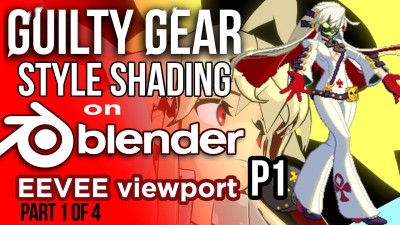
Guilty Gear Stylized Shader in Blender's EEVEE (Part 1 of 4) 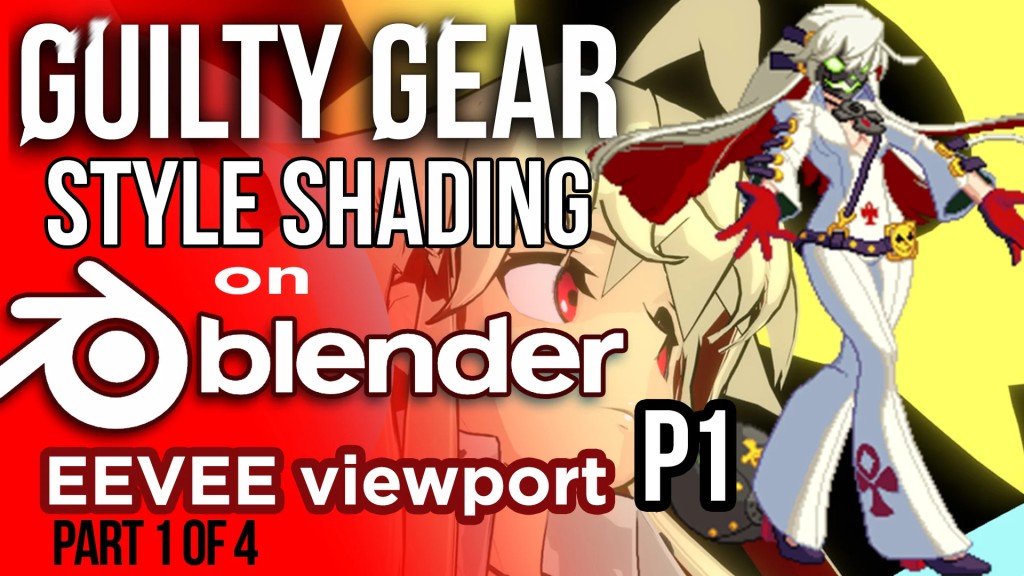
Guilty Gear Stylized Shader in Blender's EEVEE (Part 1 of 4)
Blender's eevee viewport can help you decide the look of your next toon shaded project. We will review the GuiltyGear shading covering all you need to know to recreate the look in #realtime. I will guide you from the Softimage techniques in which the original game was created, all the way into adopting those techniques with Blender. ******* TOPICS COVERED ******* 0:01 - Presentation 3:13 - Decal 8:08 - FX 9:00 - Emission texture 11:00 - Normals 14:00 - Modeling for flatness 15:00 - Blender tools and workflows 15:44 - Creating a pass shader overrides for After Effects 16:00 - Shadow pass 17:30 - Ramp pass 18:11 - Normal pass 18:55 - Highlight pass 20:00 - Hair shader 22:25 - Material ID pass 23:00 - Freestyle setup for outline 26:00 - Highlights in props 26:27 - Posing the model in Blender (Timelapse) 27:45 - Post Effects (Bloom) 28:00 - Matcaps 29:00 - Color profile 30:00 - Grease Pencil for Effects 34:00 - Method #1: Color vertex Mask Factor 35:00 - Required Textures 35:45 - EEVEE shaders 37:00 - Vertex paint 41:00 - Conclusions and applications. You can see the cut version here: https://youtu.be/UHGoy6A_DmY ******************************* If you have any questions, please make them on the comment section of the video in Youtube.

📁 Resources 🔖 [REPACK], blender, Eevee, guilty gear, shader, stylized, ZIP, Utilities, Resources |
|