✓ $800,000+ worth of products unlockable for free!
|
✓ Unlock Products Tools & Addons for Free. ✓ $800,000+ worth of products unlockable for free! |
|
CityRig 2.1 – Cinema 4D City Generator 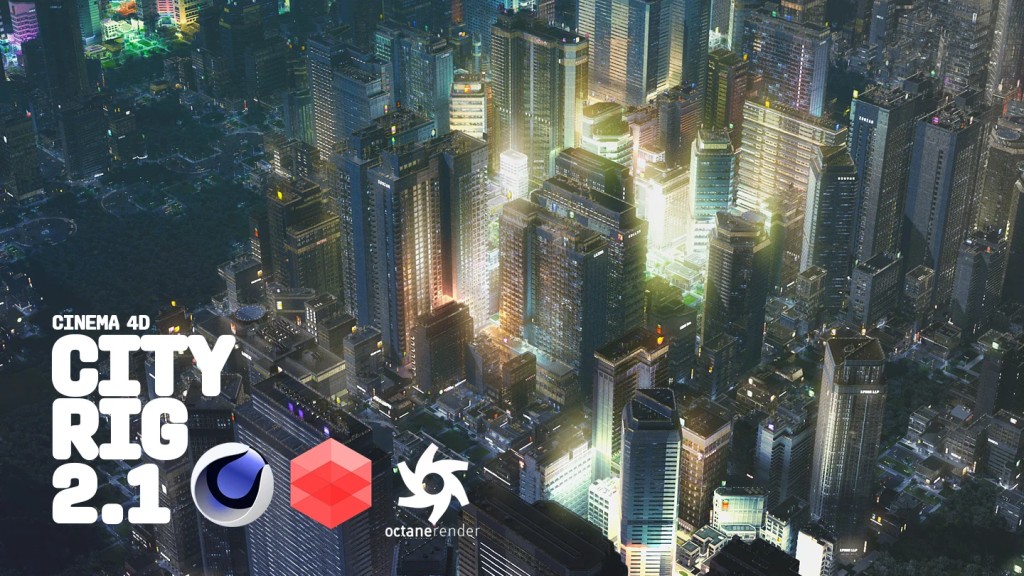
CityRig 2.1 – Cinema 4D City Generator
Using CityRig 2.0, you can quickly create an entire city including large roads, side roads, crossings, rivers and parks with hills or lakes. Simply link your own textures, buildings and objects such as cars, trees, street signs, or road markings to add your own style. Software: Cinema 4D Version: 2026, 2025, 2024, R26, R25 Construction CityRig2.0 consists of a grid that can be designed with the help of currently 7 different selection tags: For editing, it is important to first select the ‘CityRig2.0’ layer, followed by a double-click on the desired selection tag. Buildings Selection-Tag The size of the buildings is determined by collectively marked tags (white dots). You can simply display the building matrix by selecting ‘Show Outlines’. For example, with only one selected tag, the smallest building ‘S’ will be created. 1 Tag: S-Area 280×280 Street Selection-Tags You can use the road selection tags to create large roads, smaller side roads, and adjust the curves to create larger curves. The buildings adapt dynamically to these changes. Park/River Selection-Tags With the Park Selection Tag, you can create parks of various sizes, ranging from small to large. The larger the area, the more hills or lakes will be incorporated. You can customize the appearance and adjust the number of trees using the settings. With the River Tag, you can draw a river through the city. Roads will automatically transform into bridges over it. You can adjust the water level in the settings. Using the delete tag, you’re able to remove the entire tile to add other 3D assets or buildings. CityRig 2.0 Settings (1) Toggle various elements on or off CityRig2.0 Textures Settings All building and surface textures can be manually replaced here. 3D assets such as trees have their own textures and are not affected here. The number in parentheses indicates how the texture should be structured. For example, with (5×5), the texture is divided into a 5×5 grid. One element of this grid would be for a 1xTile building. Thus, with just one texture, you get a 5×5 higher variance and not always the same texture for all roof. CityRig2.0 Asset Folder In addition to buildings, the city also comprises other elements that can be replaced: (1) • Trees around buildings All objects are automatically integrated into the city and located in the ‘Asset Folder’ (2) within the CityRig2 object. Feature List This file contains the following content: Textures:

📁 Environments 🔖 Cinema4d, City Generator, CityRig, PROCEDURAL, Non Daz-Poser Models |
 CityRig 2.1 – Cinema 4D City Generator
|