✓ $800,000+ worth of products unlockable for free!
|
✓ Unlock Products Tools & Addons for Free. ✓ $800,000+ worth of products unlockable for free! |
|
How To Use the DAZ Studio Geometry Editor 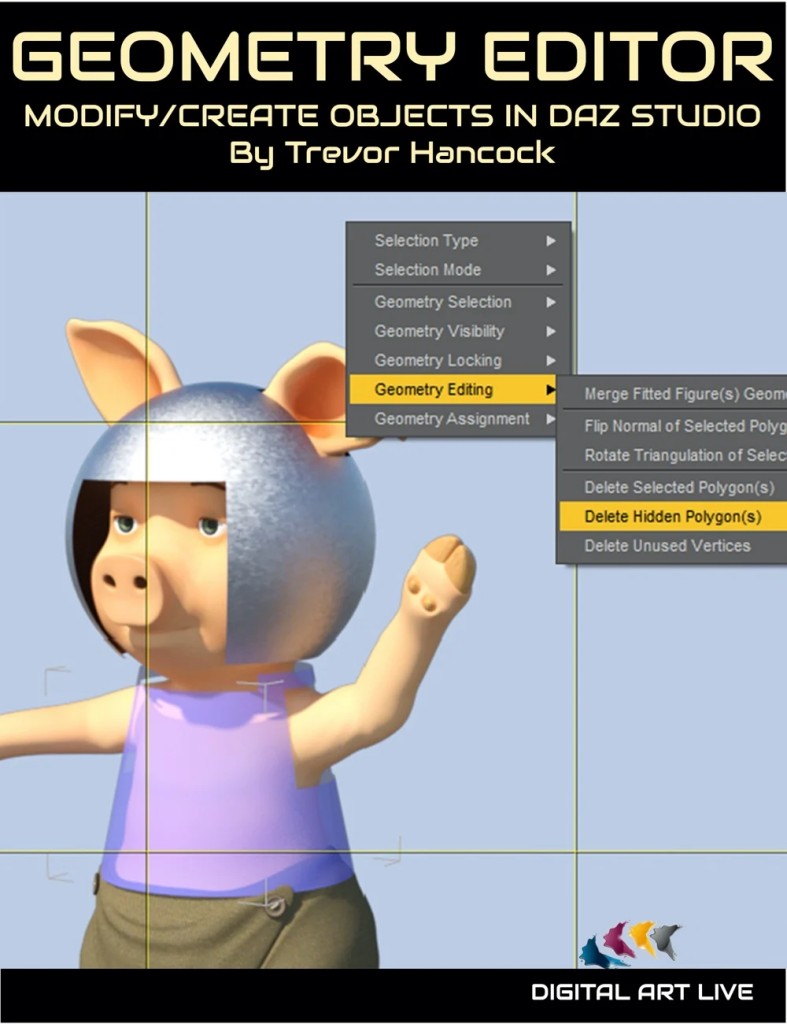
How To Use the DAZ Studio Geometry Editor
Some DAZ Studio users haven't heard of the inbuilt Geometry Editor, and some think it's too complex to use. But it's all there in DAZ Studio, and it really isn't so scary! In this tutorial, Trevor Hancock shows you several practical examples of what can be done with the Geometry Editor, and explains its features. Learn how to use this often underused and essential tool, to do amazing things with your 3D models. Here are some challenges in DAZ Studio that can be solved by the Geometry Editor: Problem 1: You've bought a 3D dress product and found it has only one surface. But you want to apply different colours to the top and skirt! But you don't need to have a "problem" to use it!

📁 Resources 🔖 DAZ Studio 4.15, Geometrie Editor, mp4, Pdf, tutorial, 79188, Utilities, Resources |
 How To Use the DAZ Studio Geometry Editor
|